S-Portal login instructions
You can login on this link https://www.netbanking.mk/s-portal/
There are two login methods with S-Banka and OneID. Click to select a method below:
remove_circle_outline add_circle_outlineLogin with S-Banka
The option 'Login with S-Banka' is selected.
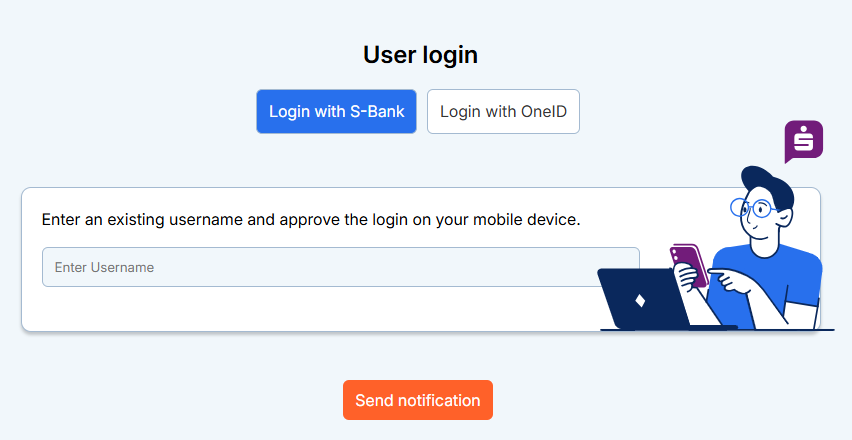
Enter Username and click Send Notification
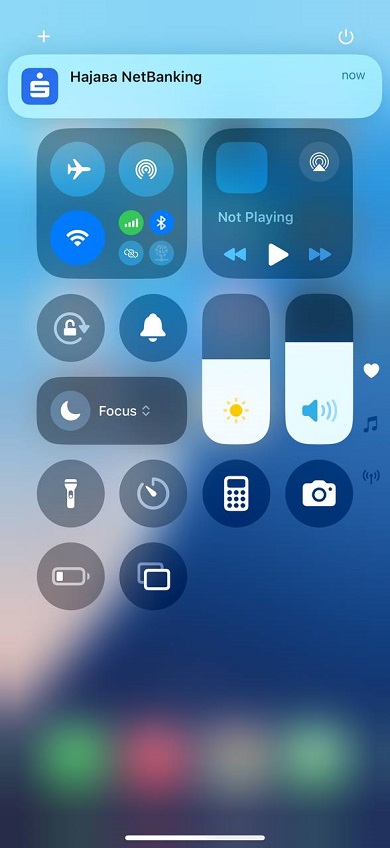
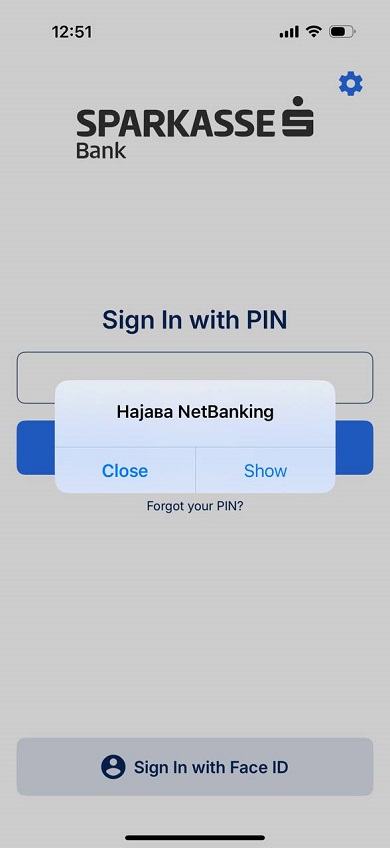
The notification will arrive on your mobile device. The request must be approved.
remove_circle_outline add_circle_outline Login with OneID
A prerequisite for logging in with OneID is that you have installed the separate application OneID and have created a digital identity using an ID card as an identification document.
All information about registering and creating a digital certificate can be found on the following website: https://www.oneid.mk/za-korisnici.nspx
The OneID login option is selected.
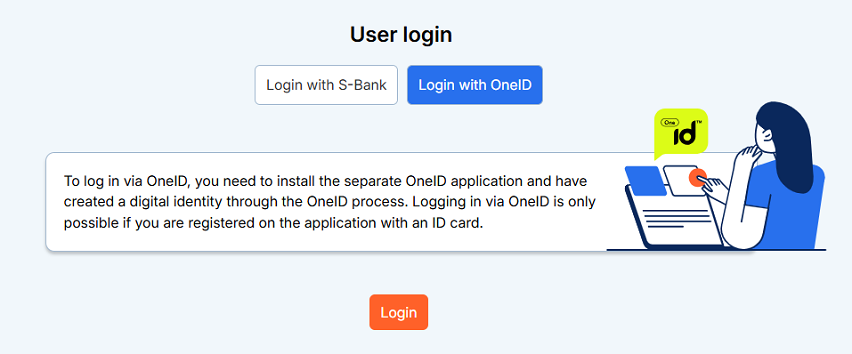
In the username field, enter the e-mail address with which the digital identity of OneID was created.
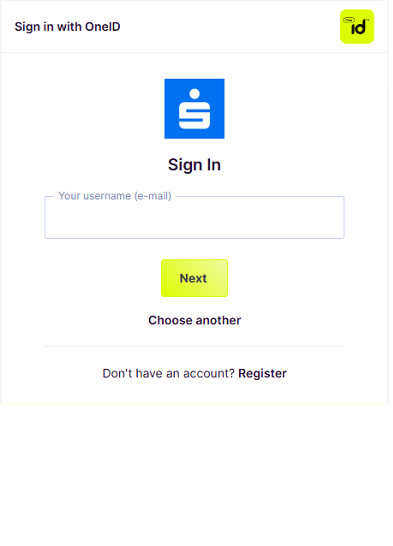
On the next screen, enter your OneID password.
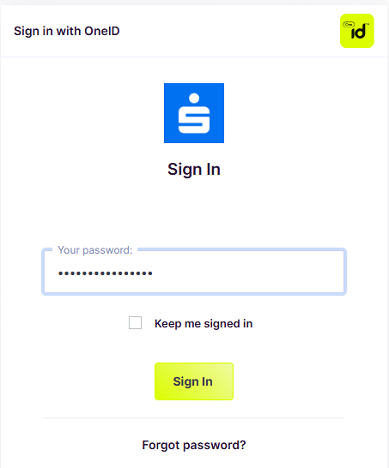
After pressing 'Log in', a notification will be sent to your device, on which the OneID application is installed, to download your identity. This step is only performed upon first login, and upon each subsequent attempt you will log in with only your username and password.